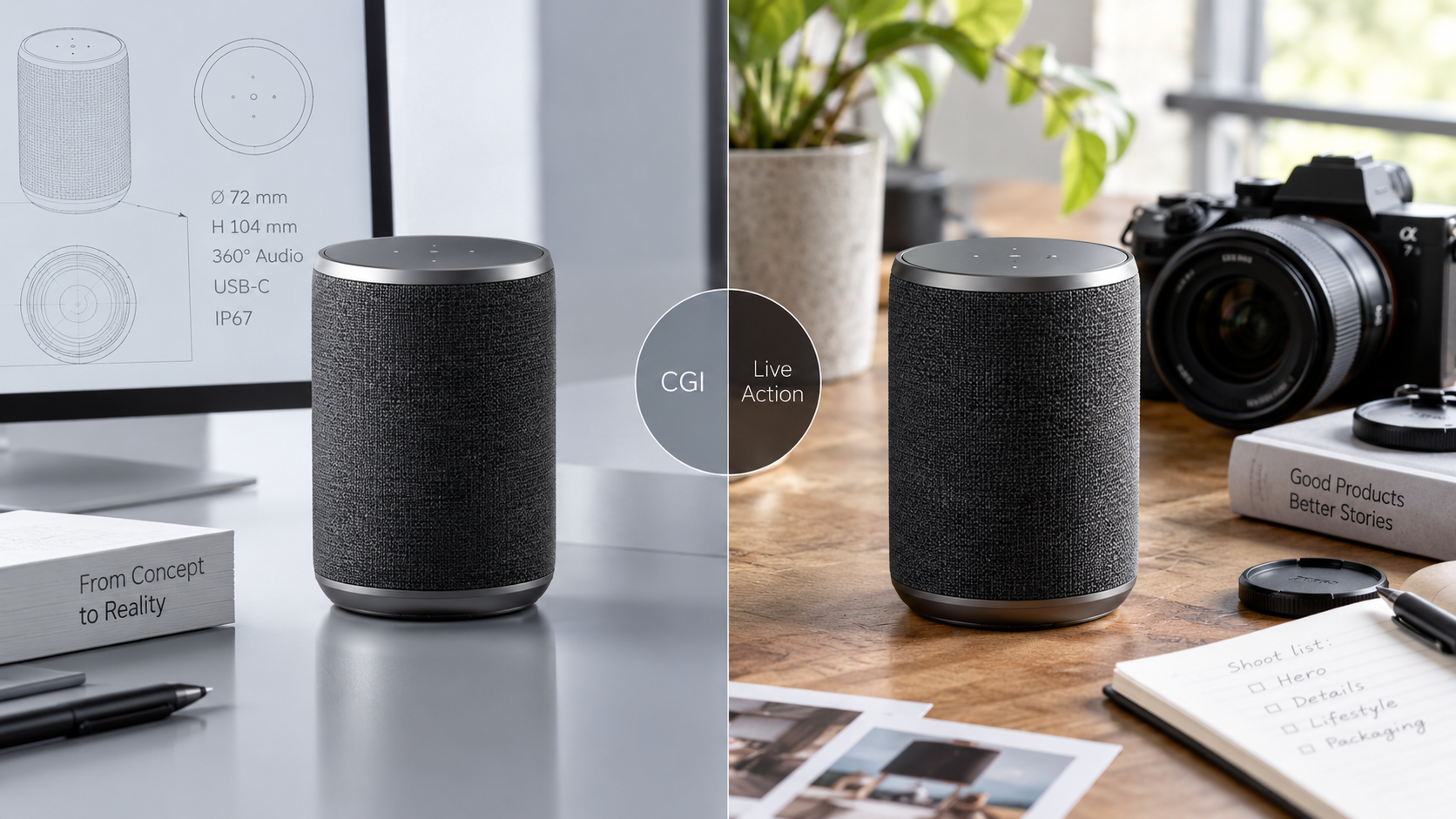
When CGI beats a film crew for a product launch, when it doesn't, and what each route costs in time, money and flexibility.
Contents11 sections
- 01The wrong question
- 02What CGI does that a camera can't
- 03What a camera does that CGI can't, cheaply
- 04A decision table
- 05Cost and time, compared honestly
- 06The hybrid cut, shot by shot
- 07What you need to supply for each route
- 08How the two routes feel week by week
- 09Quality control in each route
- 10The one thing that decides it for most founders
- 11Which one we would recommend for your product
The CGI versus live action question is usually asked as an either/or, and that framing is the problem. It is rarely a project-level decision. It is a shot-level decision, and once you make it that way most of the difficulty disappears.
The wrong question
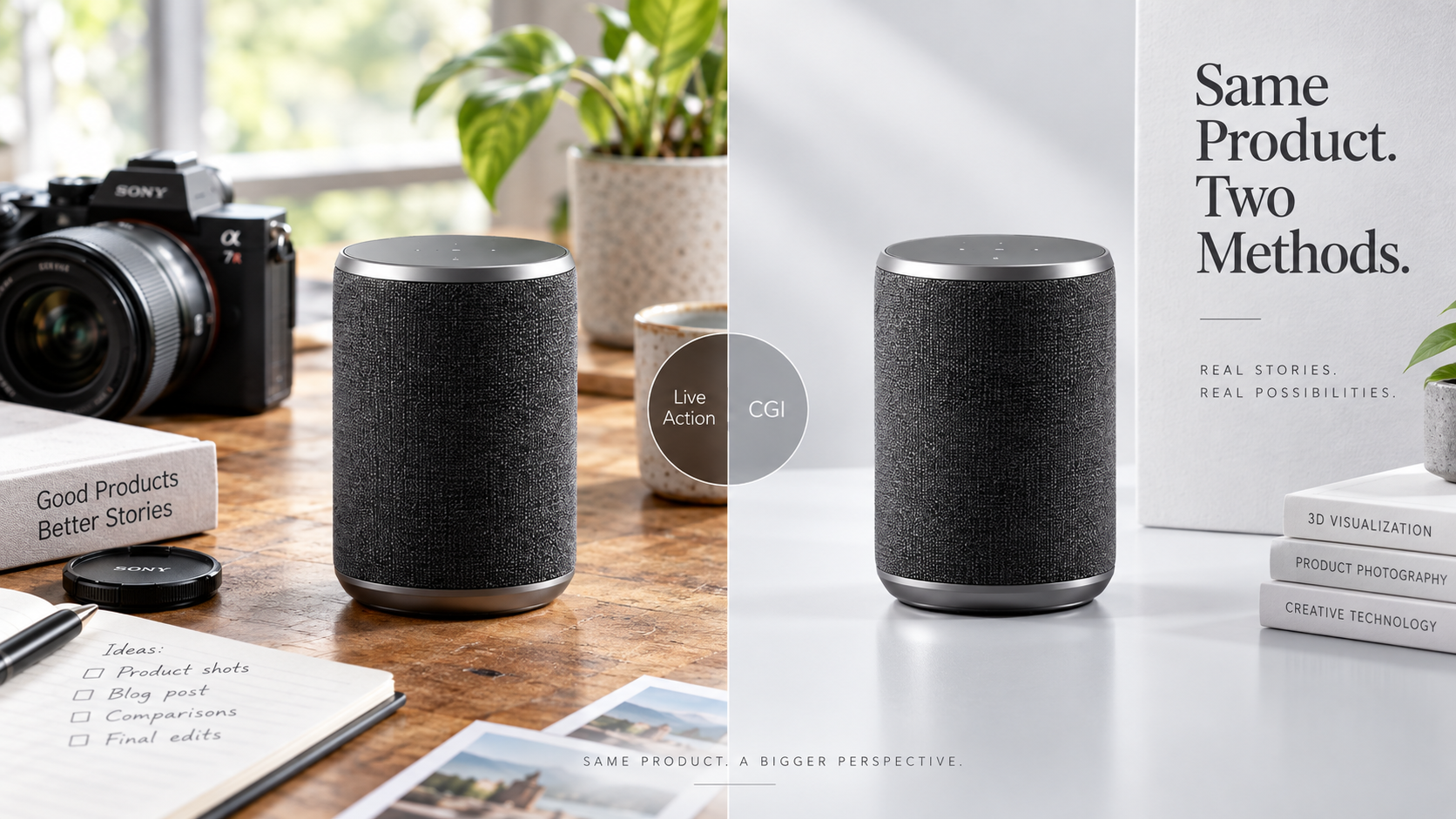
Almost every strong product launch film contains both. The camera does what the camera is good at, the renderer does what the renderer is good at, and the audience never thinks about which is which. So the useful question is not "should we do CGI or shoot it" - it is "which shots belong to which technique, and what does each one cost me".
That is the thesis of this article. Everything below is a way of answering it for your specific product.
What CGI does that a camera can't
- Exist before the product does. No prototype, no tooling, no unit to film - and still a finished hero shot. For pre-production hardware this is not an advantage, it is the only route.
- Show internals. Exploded views, cutaways, layer-by-layer assembly. A camera can only see the outside of a sealed object.
- Impossible camera moves. Passing through the housing, orbiting inside a mechanism, a continuous move no rig could physically hold.
- Every configuration from one build. Colorways, finishes, sizes and variants come out of the same model at marginal cost. On set, each variant is another setup.
- Perfect repeatability. When the product changes at week ten - and it will - the shot can be updated rather than reshot.
- Scale and geometry control. The product is exactly the dimensions in your CAD, in every frame, with no lens distortion arguments.
What a camera does that CGI can't, cheaply
- Hands and faces. Human presence, expression, the small imperfect movements that read as real.
- Real environments. Weather, dust, reflections in a genuine room, the accidental detail that makes a place a place.
- Organic materials. Fabric draping, food, liquids, skin. All of these are achievable in CGI at photoreal quality, and all of them cost far more than filming them.
- Spontaneity. The unplanned moment, the reaction you did not storyboard.
- Proof of existence. Perhaps the most underrated: seeing a real object in a real hand tells a backer that this thing is not a concept.
That last point is why the founder beat in a campaign film should always be filmed. Backers fund people, and photorealism does not buy the trust a real face gives you for free.
A decision table
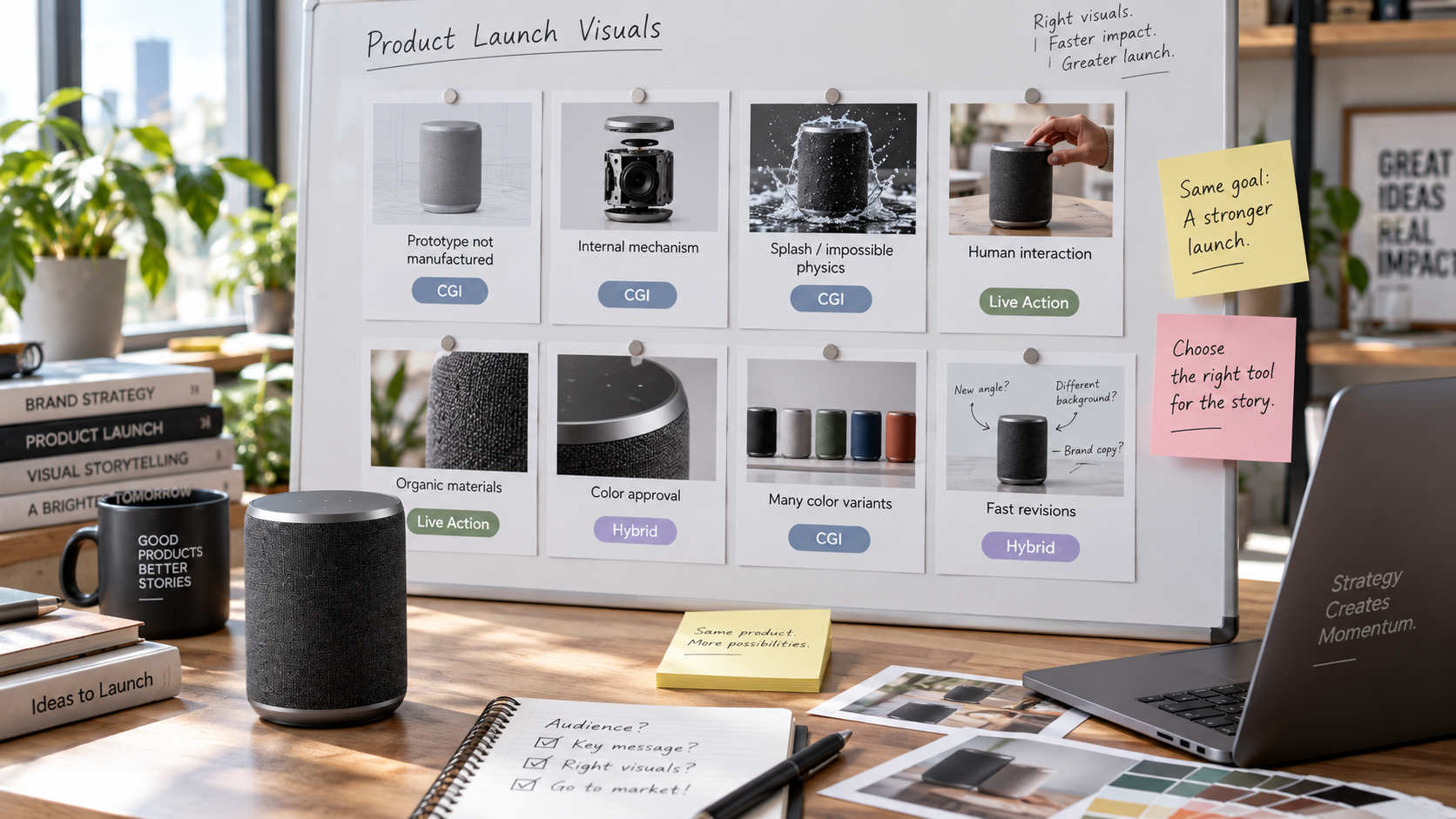
| Scenario | Recommended route | Why |
|---|---|---|
| Prototype doesn't exist yet | CGI | There is nothing to film |
| Showing internals or mechanism | CGI | A camera cannot see inside a sealed product |
| Multiple colorways or configurations | CGI | One build, unlimited variants |
| Product in daily use | Live action | Hands, context and real environments |
| Founder story | Live action | Trust comes from a real face |
| Food, textiles, liquids | Live action | Photoreal organics are possible but expensive |
| Tight timeline with a finished product | Live action | Preparation is fast; no modelling phase |
| Product still changing | CGI | Revisions replace reshoots |
Cost and time, compared honestly
The two routes have different cost shapes, and comparing single numbers hides that.
CGI is front-loaded. Modelling, materials and look development happen before anything is viewable, which feels slow and expensive in week two. Once the asset exists, additional angles, colorways, formats and revisions are comparatively cheap, and they stay cheap for years.
Live action is cheap once and expensive to repeat. One straightforward shot of an existing product is faster and less expensive than building it in 3D. But the second version, the new colour, the changed housing and the extra ad format all mean another day, another crew, another location.
Which is cheaper therefore depends on how many times you need the shot. For a single simple hero of a shipping product, film it. For a campaign that will need a launch film, a page full of visuals, six ad cutdowns and a store six months later, the CGI master is usually the cheaper total.
We quote both routes side by side for each product rather than publishing average figures, because the honest comparison depends on how many angles, colorways and formats the launch will need.
For where each route sits inside the film itself, read the anatomy of a Kickstarter launch video that converts, and for the test that tells you which register to build, creative testing before launch.
The hybrid cut, shot by shot
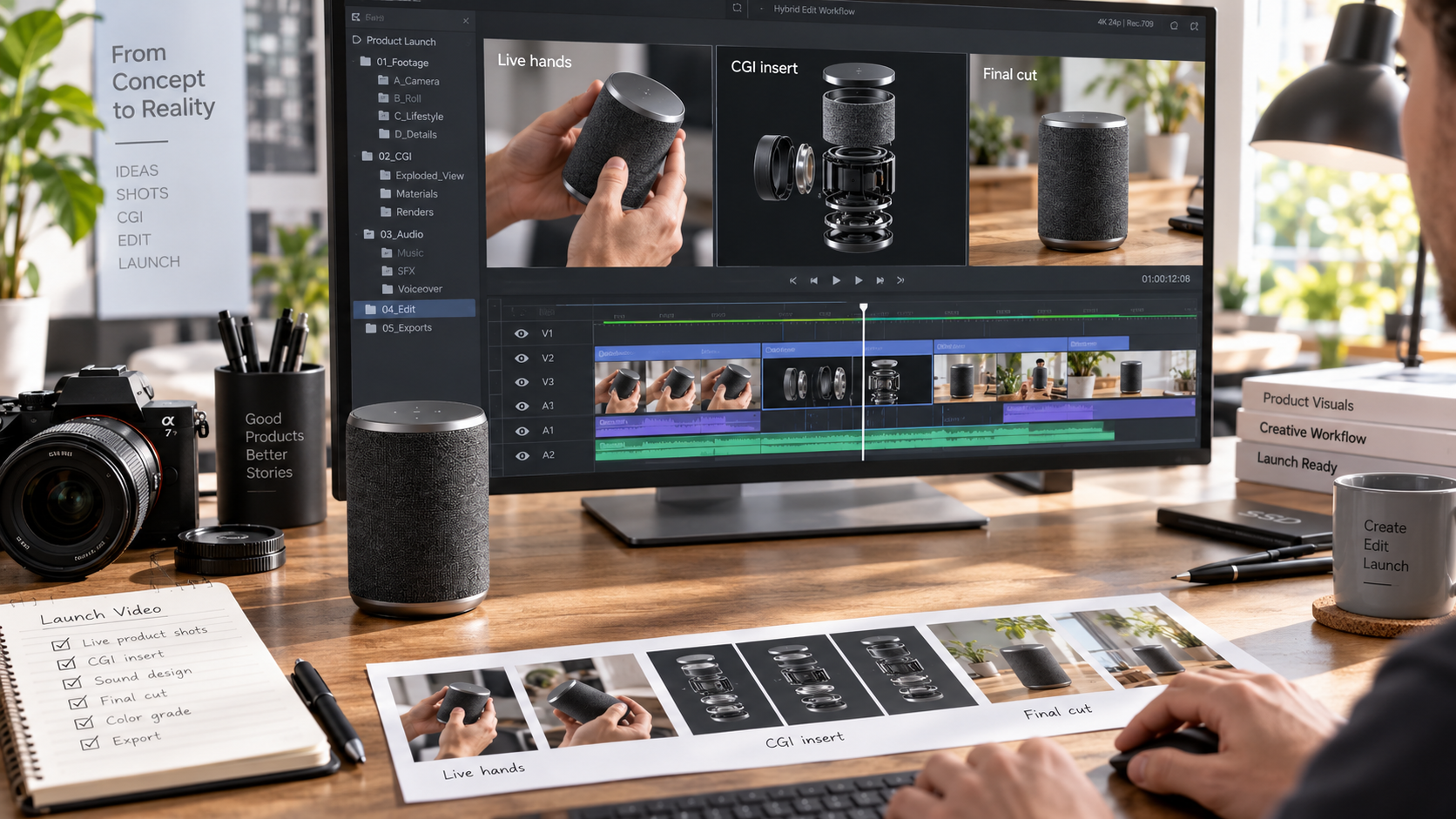
This is the position we work from: most studios either shoot or build in CGI. We do both, and we combine them in the same frame. A typical hybrid structure from our own work looks like this.
- Opening hook: CGI. Full control over the first two seconds, the most important frames in the film.
- Problem beat: live action. A real situation, real hands, real frustration.
- Reveal: CGI. The product, clean, exactly the geometry of the CAD.
- Benefit one, mechanism: CGI cutaway. The only way to see the inside.
- Benefit two, in use: live action. Context and human scale.
- Credibility: mixed. CGI for the exploded engineering view, filmed footage for tooling, materials and the workshop.
- Founder beat: live action, always.
- Ask: CGI or graphics, with the product held in frame while the offer is stated.
The clearest documented example in our work is the NordicTrack Ultra 1 Reformer launch film: CGI product builds composited over green-screen footage of a real person using the machine, cut so the seam does not read.
What you need to supply for each route
For CGI: CAD files in a standard exchange format such as STEP, material and finish specifications, brand colour references, mechanical drawings for tolerances, and photographs of any existing sample. The better the CAD, the faster and more accurate the result.
For live action: product samples that look final, a location or a studio, talent, and someone on the client side available on the shoot day to approve what is in frame. A prototype that photographs badly is worse than no prototype, because the film has to hide it.
Decide the look before either route starts. Matching CGI to footage after the fact is expensive; planning one lighting language for both costs nothing.
How the two routes feel week by week
Founders are often surprised less by the cost of each route than by its rhythm, and the surprise causes avoidable anxiety.
A CGI project feels empty and then finished. Week one and two produce a grey model and a lighting test. There is nothing beautiful to show, and it is normal. Then materials arrive, then the first frames, and the project appears to complete in days. If you plan reviews for week two expecting hero images, you will conclude something has gone wrong when nothing has.
A live-action project feels busy and then fixed. Pre-production is visibly active - locations, casting, schedule - then the shoot happens on a date that cannot move, and after that your options are limited to what is on the cards. Changes made after the shoot mean another shoot.
The practical consequence: with CGI, front-load your decisions about geometry and finish. With live action, front-load your decisions about story and shot list.
Quality control in each route
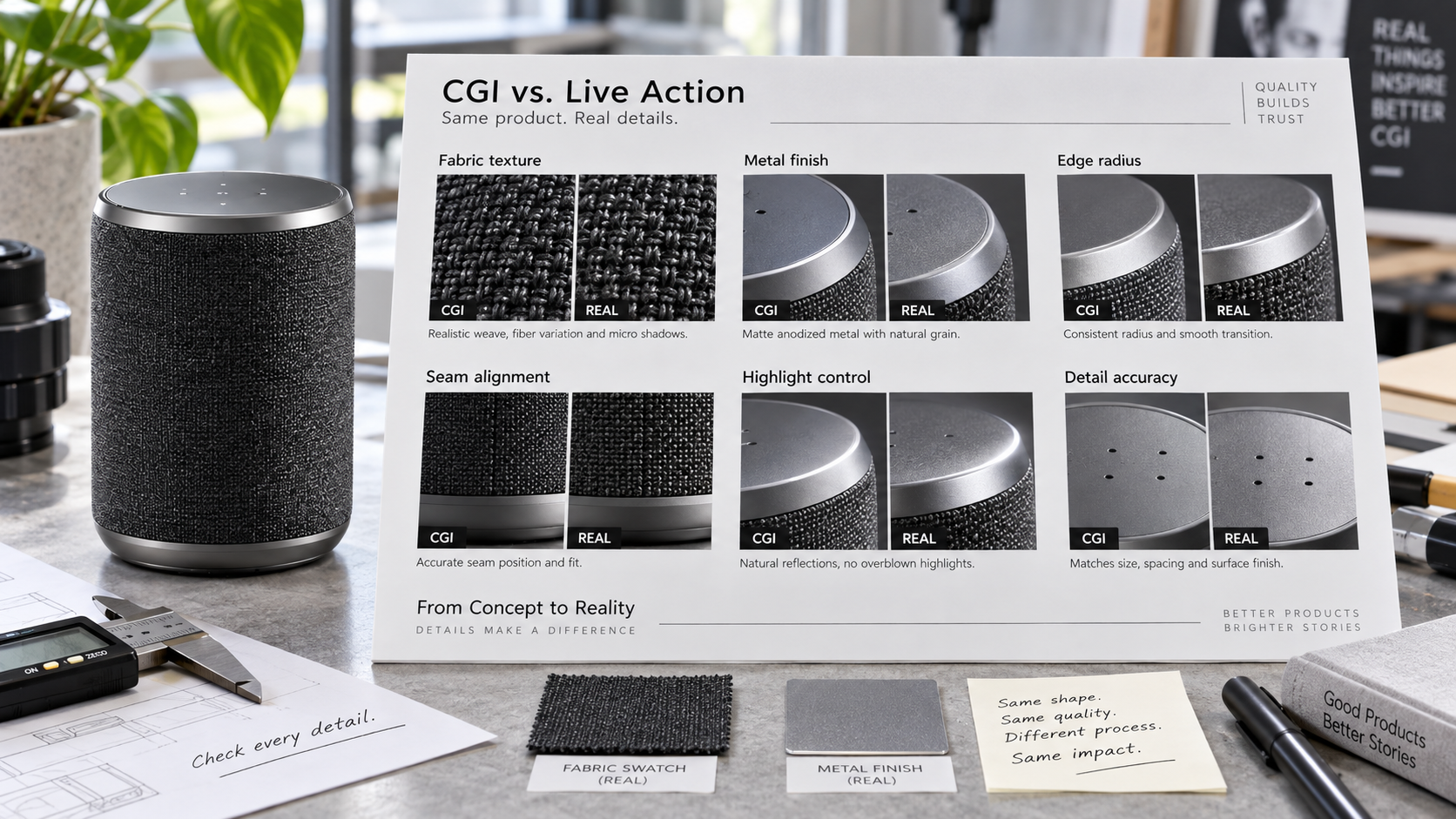
CGI review checklist. Correct dimensions against CAD. Correct material behaviour, especially edges and reflections. Believable lighting with a single logical source. No floating contact shadows. Logos and text at the right scale. Colour matched to a physical reference under known lighting.
Live action review checklist. Product looks final on camera - no visible prototype seams or tape. Clean audio for any spoken beat. Continuity in the product's state across shots. Enough coverage that the edit has options. Colour graded against the same physical reference.
Both checklists exist for the same reason: the campaign will be seen next to real product photography, and small errors read as low quality rather than as artefacts.
The one thing that decides it for most founders
If your product will need new visual assets over the next twelve months - new colours, new bundles, new ad formats, a store, retail listings - the CGI master is almost always the right investment, because those future assets are near-free once it exists. If your product is finished, simple, and you need one film and nothing else, film it and spend the difference on media.
Everything else in this article is detail around that single question: how many times will you need the shot?
Which one we would recommend for your product
There is no default answer, only a set of conditions: how final the product is, how many versions of each shot the launch needs, and whether hands and real environments carry part of the argument. We produce both routes and the hybrid of the two - see cinematic launch videos and the NOVA Robotics launch for CGI-led work, and bring your CAD or your prototype to the first call.
Frequently asked questions
Is CGI cheaper than filming a product?
CGI and live action have different cost shapes rather than a clear winner. CGI is front-loaded - the model and materials are expensive to build once, then variants, revisions and new angles are comparatively cheap forever. Live action is cheap for one simple shot of an existing product, then expensive every time you need it again, because repeating it means another crew, another location and another day.
Can CGI look completely real?
CGI can be indistinguishable from photography for hard surfaces - metal, glass, plastic, machined parts - which is why much of the product imagery people assume is photographed is not. Organic subjects are the harder case: skin, hair, food, fabric and liquids are all achievable at photoreal quality, but they cost significantly more than filming the same thing, so they are usually the wrong place to spend a launch budget.
What files does a CGI studio need from me?
A CGI studio needs your CAD files in a standard exchange format such as STEP, plus a specification of materials and finishes, brand colour references, and photographs of any existing prototype or sample. Mechanical drawings help with tolerances and scale. Without CAD, the model has to be rebuilt from drawings and photographs, which adds time and introduces small inaccuracies a client usually notices.
Can I mix CGI and real footage in one video?
Mixing CGI and real footage in one video is the standard approach for product launches, not a compromise. The requirement is that both share one lighting and grading language, so the cut reads as a single film rather than two. In practice that means deciding the look before either route starts, and matching the CGI camera to the lenses used on set.